Plugin / Extended Google Map for Elementor
InternetCSS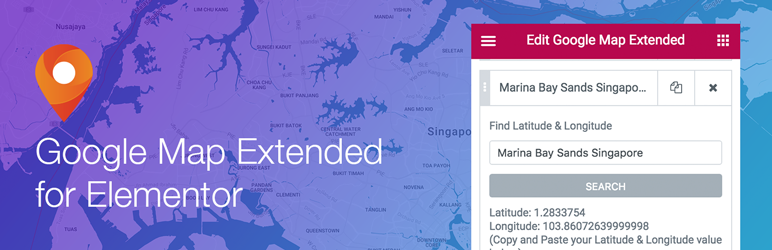
Description
Description
An Extended of Elementor Google Map Widget – Easily add multiple address pins onto the same map with support for different map types (Road Map/Satellite/Hybrid/Terrain) and custom map style. Freely edit info window content of your pins with the standard Elementor text editor. And many more custom map options. Easily find address latitude and longitude right inside elementor.
- Supports using your own Google Map API key
- Easily find address latitude and longitude right inside Elementor
- 10 Color Marker Pin Icons to chooose from (Default, Red, Blue, Yellow, Purple, Green, Orange, Grey, White and Black)
- 4 different map types (Road Map/Satellite/Hybrid/Terrain)
- Custom map style (support Google Map Styling Wizard and Snazzy Maps)
- Choose gesture handling types (Auto/Cooperative/Greedy/None)
- Enable/disable zoom control
- Edit position of zoom control
- Enable/disable default map UI
- Enable/disable control for toggling of map type
- Edit position of map type toggle
- Enable/disable Streetview control
- Edit position of Streetview control
- Google Map Languages (English, Spanish, German, French, Hebrew, Portuguese, Arabic, Japanese, Korean, Chinese Simplified, Vietnamese, Thailand)
InternetCSS presents Elementor Google Map Extended.
About InternetCSS
Elementor’s mission is to help users design websites in the easiest, fastest and most streamlined way.
We support Elementor’s mission through the development of Elementor add-ons that focus on beauty, subtle animations and visitor engagement.
Documentation and Support
- For more information about features, FAQs and documentation, check out our website at InternetCSS.
Fan of using Elementor Page Builder?
- Join our Facebook Group.
- More free and premium Elementor Extended Widgets at our website.


Get Started With Free Trial
Explore the offer details: Discover it now



Ratings
Rating breakdown
Details Information
Version
First Released
Total Downloads
Wordpress Version
Tested up to:
Require PHP Version:
Tags
Contributors
Languages
DIRECTORY DISCLAIMER
The information provided in this THEME/PLUGIN DIRECTORY is made available for information purposes only, and intended to serve as a resource to enable visitors to select a relevant theme or plugin. wpSocket gives no warranty of any kind, express or implied with regard to the information, including without limitation any warranty that the particular theme or plugin that you select is qualified on your situation.
The information in the individual theme or plugin displayed in the Directory is provided by the owners and contributors themselves. wpSocket gives no warranty as to the accuracy of the information and will not be liable to you for any loss or damage suffered by you as a consequence of your reliance on the information.
Links to respective sites are offered to assist in accessing additional information. The links may be outdated or broken. Connect to outside sites at your own risk. The Theme/Plugin Directory does not endorse the content or accuracy of any listing or external website.
While information is made available, no guarantee is given that the details provided are correct, complete or up-to-date.
wpSocket is not related to the theme or plugin, and also not responsible and expressly disclaims all liability for, damages of any kind, arising out of the use, reference to, or reliance on, any information or business listed throughout our site.