Plugin / Five Star Restaurant Reservations
FiveStarPlugins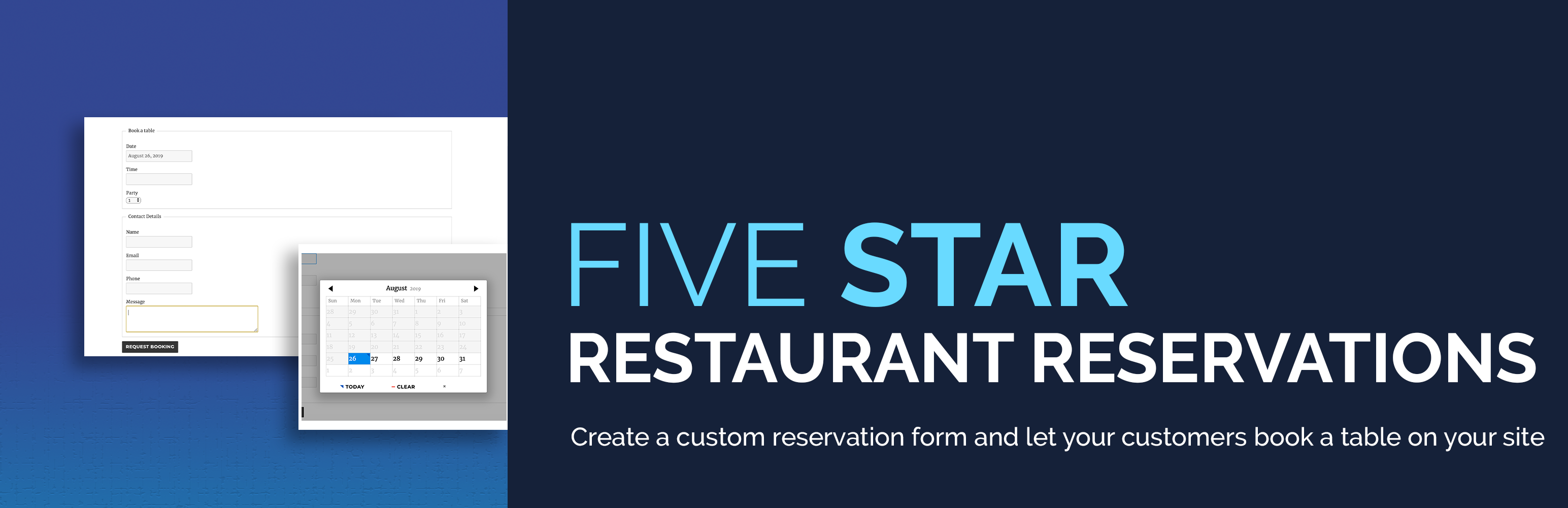
Description
Description
Restaurant reservations made easy. Accept reservations and table bookings online. Quickly confirm or reject restaurant reservations, send out custom email notifications, restrict booking times and more.
Includes Gutenberg restaurant block for displaying your reservation form! You can also use the handy restaurant reservation shortcode or set the reservation page directly in the plugin settings.
Key Features
- Create a customized restaurant reservation form
- Responsive booking form layout that looks great for mobile reservations and on all devices
- Add your reservation form to any page via the included Gutenberg restaurant booking block or shortcode, or just choose your reservation page in the settings
- Quickly confirm or reject a booking
- Notify a customer by email when their request is confirmed or rejected
- Receive an email notification when a booking request is made
Create a five star restaurant reservation experience by tailoring your form to yours and your customers’ specific needs. With options to set minimum and maxium party sizes, to require a phone number, to change the date and time format and to write a custom message after a successful online restaurant booking, you can create a familiar and comfortable atmosphere and make the reservation process as easy and effortless as possible.
Additional Restaurant Reservation Features
Our customizable restaurant reservations plugin comes with several additional features that will help ensure you’re able to set it up not only easily, but with all the options you need. It will also allow you to deliver the best and easiest online restaurant booking system for your visitors. These features include:
- Add and edit bookings directly from the plugin admin panel
- Set up a specific restaurant schedule by defining the times and dates available for reservation and even add exceptions
- Support for multiple booking locations when using Business Profile
- Send customers an email about their booking from the admin panel
- Customize all notification messages, and date and time formats
- Custom user role to manage bookings
- Automatically block bookings when you’re closed, including holidays and one-off openings
- Ban abusive customers to save money on no-shows
- Change the language of the datepicker feature
With our reservation system, you can set up the booking schedule for you restaurant. Our settings allow you to be as broad or specific as you want with this, with options for setting the open times, the interval between booking slots, booking in advance, and even the ability to add exceptions to these options.
Premium Restaurant Reservations
With the premium version of our restaurant reservations plugin, you can extend the functionality of your booking form to offer your customers the best possible experience. Premium features include:
- Stylish New Layout Options: Choose from multiple modern form layouts to find the one that best suits your site.
- Custom Fields: Plan your dinner service better by asking for special seating requests, dietary needs and more when customers book online. Similar to open table, this allows you to customize the reservation system to have any field you want, allowing you to gather all the info you need to offer the best experience to your customers. This feature also allows you to modify the existing default fields.
- Email Templates and Designer: Send beautiful email notifications with your own logo and brand colors when your customers make a reservation.
- Export Bookings: Easily print your restaurant bookings via PDF or export them to an Excel/CSV file so you can analyze patterns, gather customer data and import bookings into other services.
- Import Bookings: This new features allows you to quickly modify, in bulk, bookings that you have exported and import them back into the plugin. It’s also great if you use a separate reservation system and/or take reservations offline, and quickly want to get those reservations into the plugin.
- MailChimp Integration: Subscribe new reservation requests to your MailChimp mailing list and watch your subscription rates grow effortlessly.
- Reservation Restrictions: Easily set the desired dining block length as well as a maximum number of reservations.
- Automatic Reservation Confirmation: Enable automatic confirmation of a reservation request if that date/time is currently below the maximum reservation or seat number.
- Styling Options: Many styling options are included that let you set the color, font-size, borders, etc. for the different elements of the form.
For further information and purchasing options, please visit our WordPress restaurant reservations homepage.
This easy restaurant booking system is one part of our suite of plugins designed to give you the best WordPress restaurant experience. Check out the powerful Restaurant Menu plugin and let your customers view your full menu directly on your site. With its intuitive and easy-to-use interface, you’ll be sure to not lose out on business to your competitors.
For help and support, please see:
- Our FAQ page, here: https://wordpress.org/plugins/restaurant-reservations/faq/
- Our installation guide, here: https://wordpress.org/plugins/restaurant-reservations/installation/
- Our documentation and user guide, here: http://doc.fivestarplugins.com/plugins/restaurant-reservations/?utm_source=Plugin&utm_medium=Plugin%20Description&utm_campaign=Restaurant%20Reservations
- The Restaurant Menu support forum, here: https://wordpress.org/support/plugin/restaurant-reservations/
This plugin also comes with hooks that developers can use to extend and customize it. Take a look at the Developer Documentation.


Get Started With Free Trial
Explore the offer details: Discover it now



Ratings
Rating breakdown
Details Information
Version
First Released
Total Downloads
Wordpress Version
Tested up to:
Require PHP Version:
Tags
Contributors
Languages
DIRECTORY DISCLAIMER
The information provided in this THEME/PLUGIN DIRECTORY is made available for information purposes only, and intended to serve as a resource to enable visitors to select a relevant theme or plugin. wpSocket gives no warranty of any kind, express or implied with regard to the information, including without limitation any warranty that the particular theme or plugin that you select is qualified on your situation.
The information in the individual theme or plugin displayed in the Directory is provided by the owners and contributors themselves. wpSocket gives no warranty as to the accuracy of the information and will not be liable to you for any loss or damage suffered by you as a consequence of your reliance on the information.
Links to respective sites are offered to assist in accessing additional information. The links may be outdated or broken. Connect to outside sites at your own risk. The Theme/Plugin Directory does not endorse the content or accuracy of any listing or external website.
While information is made available, no guarantee is given that the details provided are correct, complete or up-to-date.
wpSocket is not related to the theme or plugin, and also not responsible and expressly disclaims all liability for, damages of any kind, arising out of the use, reference to, or reliance on, any information or business listed throughout our site.